

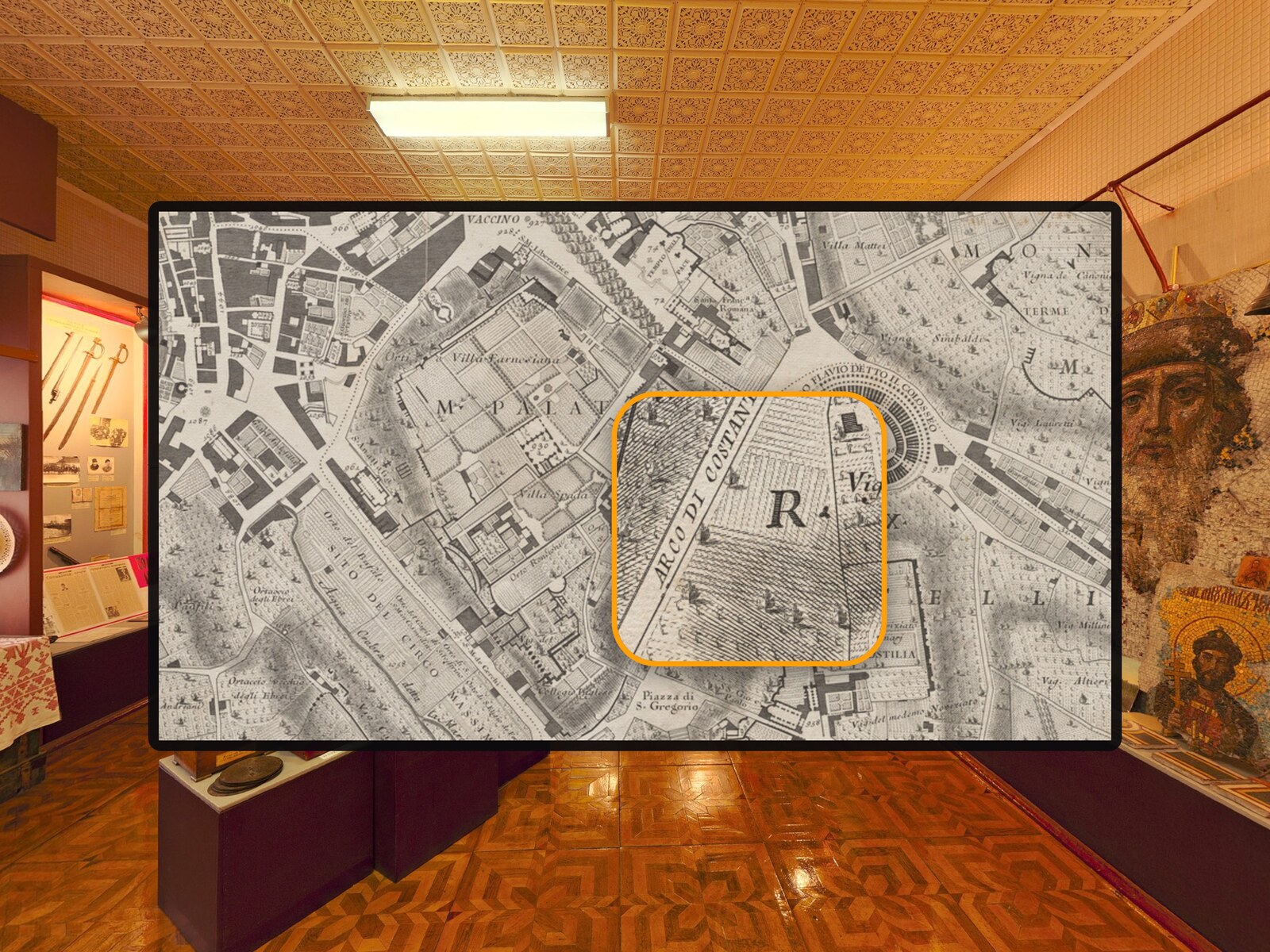
Made for touch
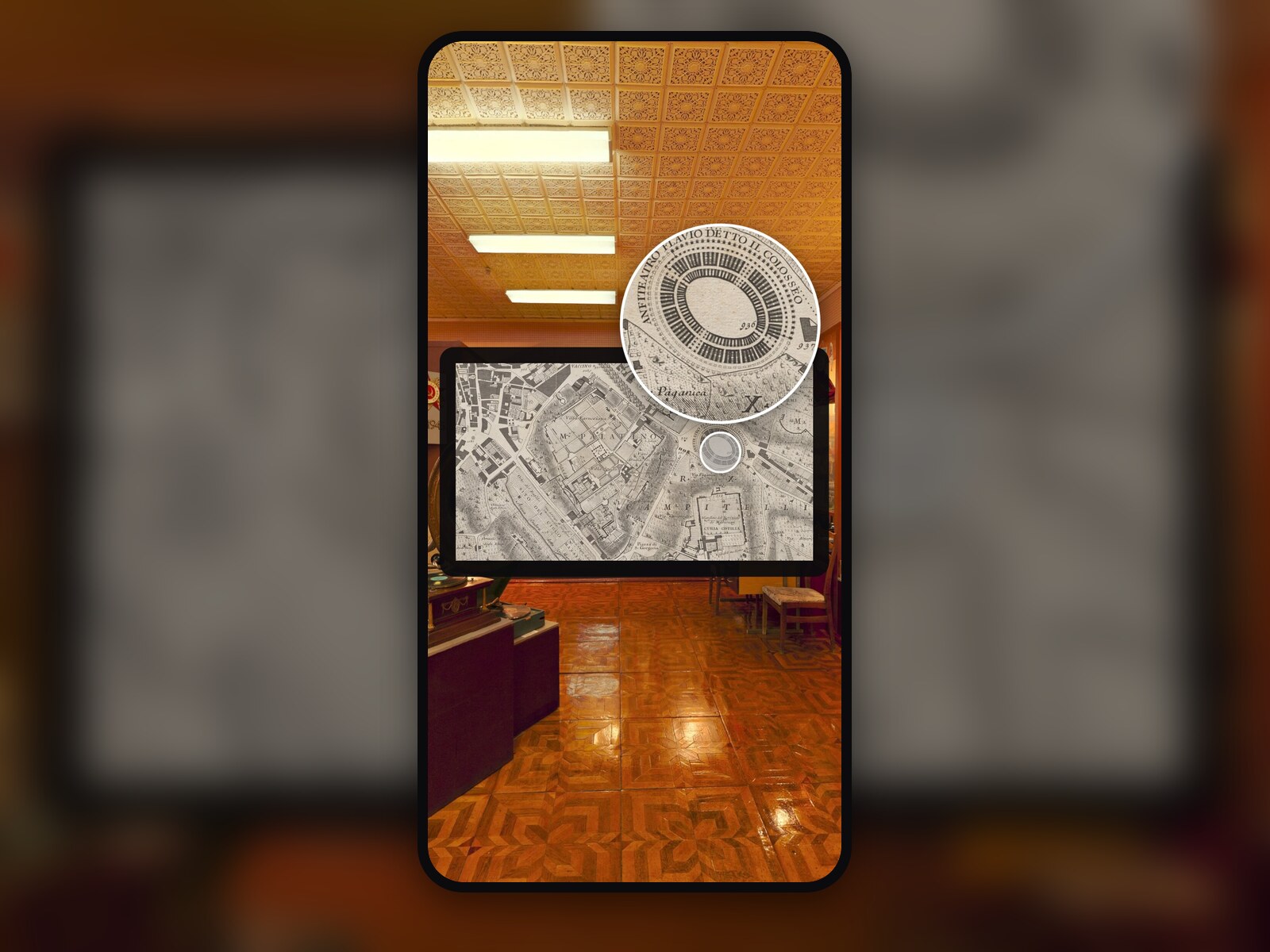
The lens appears above the finger, so the finger does not cover it, and two fingers change the zoom while the panorama stays still.
Preview — our store opens soon.
krpano Plugins

 krpano v1.0.0 New
A magnifier lens for photos in krpano tours – with mouse, pen and touch.
Verified for krpano 1.23.2–1.24
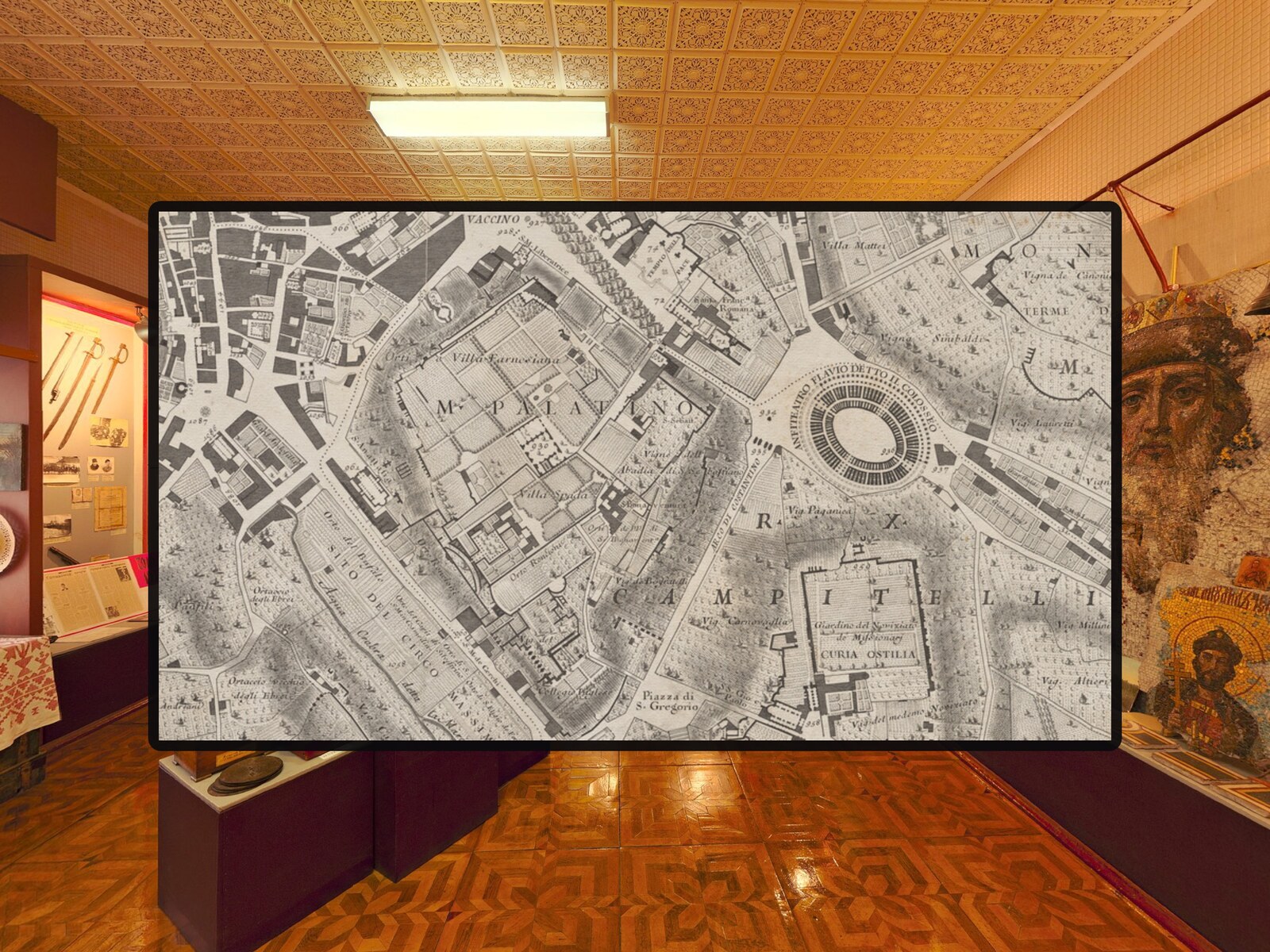
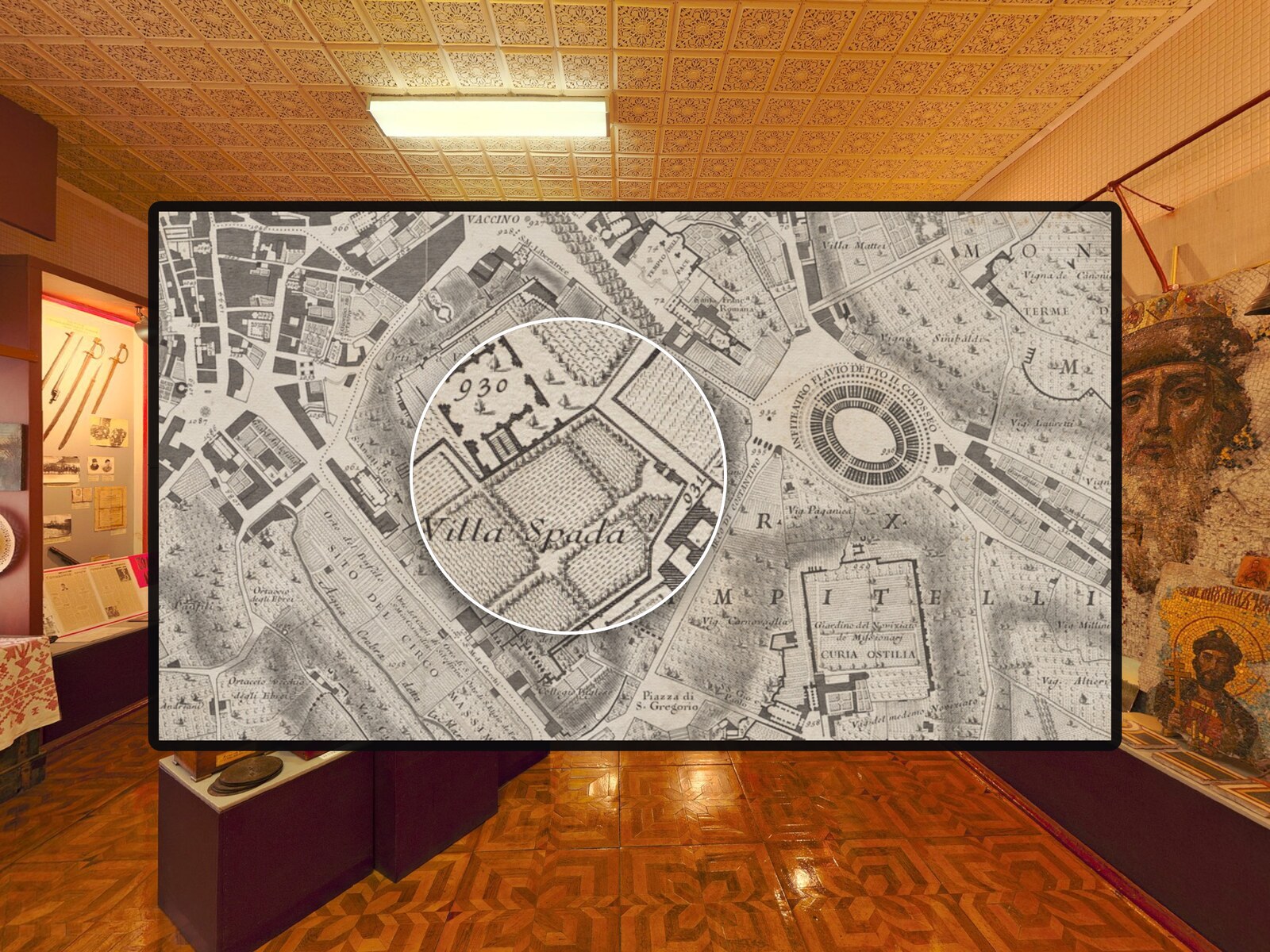
Visitors want to see the small details of the photos you show in popups, but krpano has no magnifier for image layers. Detail Loupe adds a lens that follows the mouse on desktop and the finger on phones and tablets, with pinch to zoom and an optional high-resolution source. Every setting is an attribute of the plugin element in your own tour XML – the plugin file stays untouched.
Copy detailloupe.js into the plugins folder of your tour.
Add one <plugin> element to your tour XML and set target to the name of the image layer.
Set attributes such as zoom, size, shape or hires, or change them while the tour runs with set() and tween().
The lens appears above the finger, so the finger does not cover it, and two fingers change the zoom while the panorama stays still.
Every option is an attribute of the plugin element. The events onshow, onhide and onzoomchange let your tour react with its own actions.
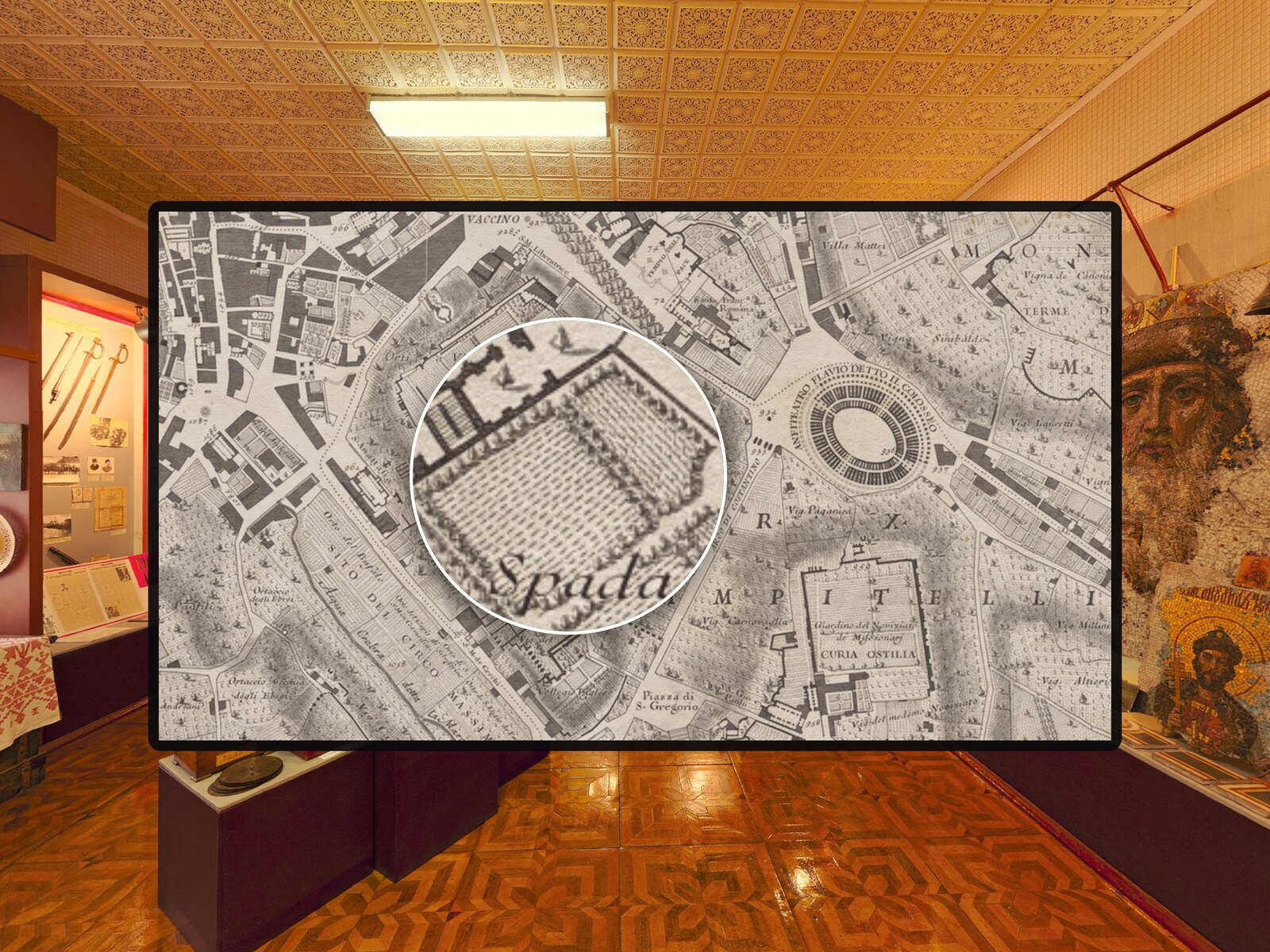
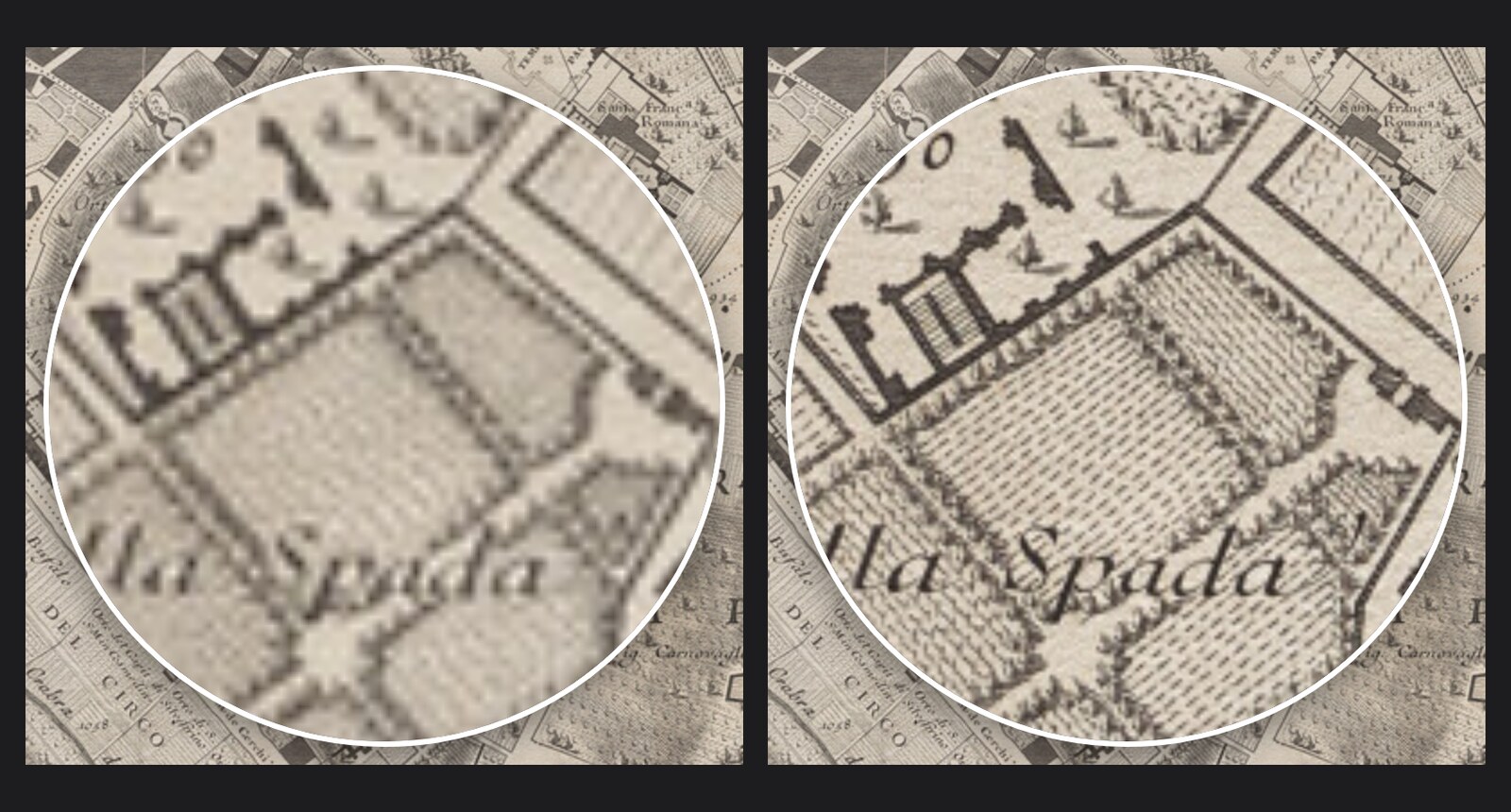
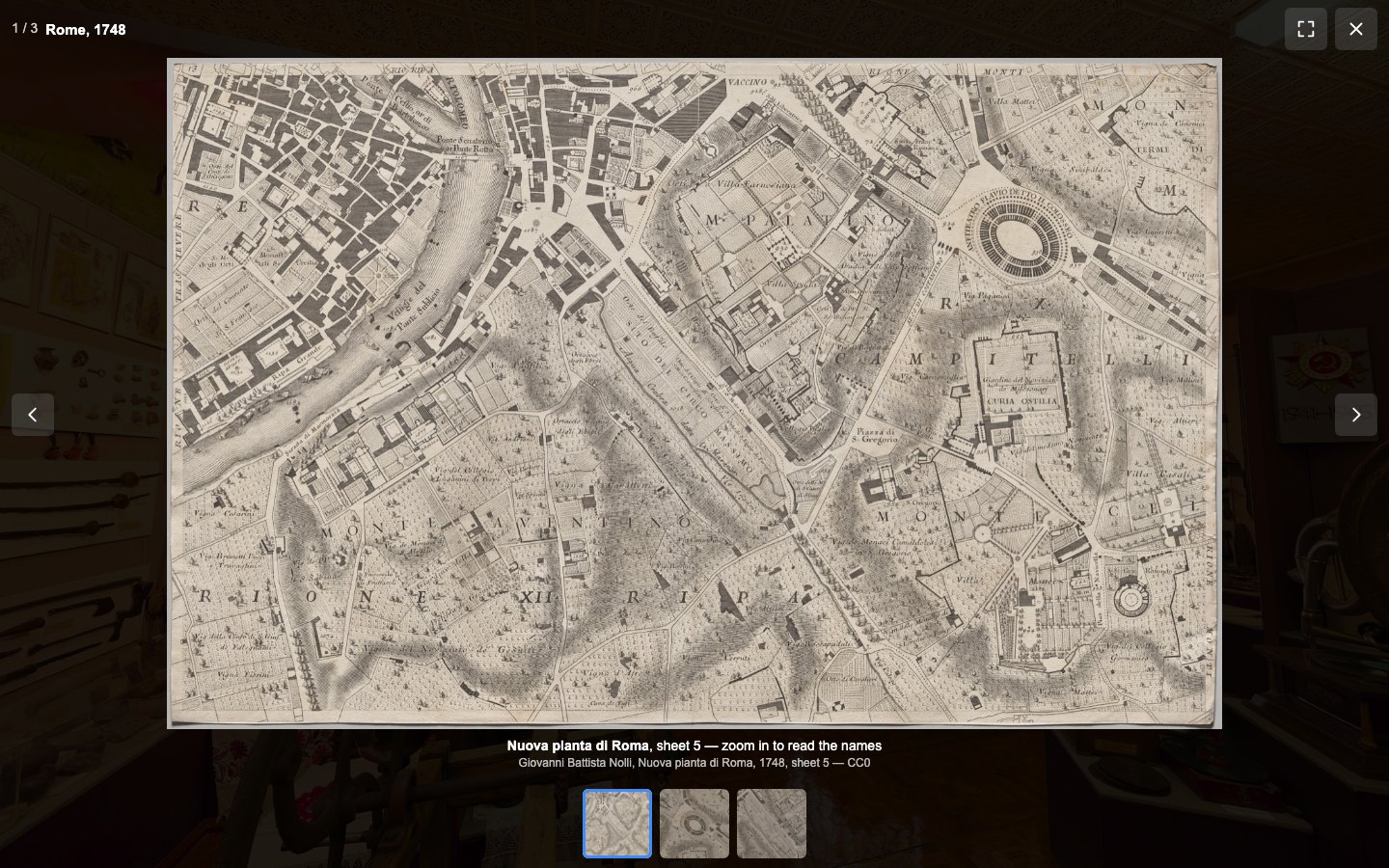
Point the lens to a high-resolution copy of the photo and show details the popup cannot show.
Set as attributes in your tour XML.
| Setting | Type | Default | Description |
|---|---|---|---|
target | Text | — | Name of the image layer the lens magnifies, e.g. showcase_photo. |
zoom | Number | 2.5 | Magnification relative to the displayed photo, e.g. 2.5. Always contains the current zoom. |
min_zoom | Number | 1.5 | Smallest zoom that pinch, wheel, keys and set() can reach. |
max_zoom | Number | 8 | Largest zoom that pinch, wheel, keys and set() can reach. |
size | Number | 180 | Width and height of the lens in pixels, including the border. |
shape | List | circle | Shape of the lens: circle, rounded or square. |
border | Number | 3 | Border width in pixels; 0 removes the border. |
border_color | Color | 0xFFFFFF | Border color, e.g. 0xFF9F0A. |
shadow | Yes / No | true | Drop shadow under the lens. |
background | Color | 0x000000 | Color shown in the lens beyond the edges of the photo, or transparent. |
touch_offset | Text | auto | Distance in pixels between the finger and the lens centre; auto places the lens just above the finger. |
trigger | List | hover | Mouse and pen: show the lens on hover or only while the button is pressed. |
lens_cursor | List | crosshair | Mouse pointer over the photo; keep leaves the cursor of the layer. |
pinch | Yes / No | true | Two fingers change the zoom. |
wheel | Yes / No | true | The mouse wheel changes the zoom while the lens is shown, instead of zooming the panorama. |
keyboard | Yes / No | true | The photo can get keyboard focus; arrow keys move the lens, + and - zoom. |
animation | Yes / No | true | Short fade when the lens appears; always off when the visitor prefers reduced motion. |
hires | Text | — | Suffix of a high-resolution copy, e.g. _hd loads showcase_hd.jpg for showcase.jpg. |
hires_url | Text | — | Path of a high-resolution copy with a different name; has priority over hires. |
lens_enabled | Yes / No | true | false switches the lens off and leaves the photo as without the plugin (except for the cursor); true switches it on again. |
lens_visible | Yes / No | false | Read-only: true while the lens is shown. |
onshow | Text | — | Actions called when the lens appears. |
onhide | Text | — | Actions called when the lens disappears. |
onzoomchange | Text | — | Actions called when the zoom changes; get(zoom) returns the new zoom. |
<plugin name="loupe_showcase"
        url="%CURRENTXML%/plugins/detailloupe.js"
        keep="true"
        target="showcase_photo"
        zoom="3" size="220" shape="rounded"
        hires="_hd"
        onzoomchange="trace('zoom=', get(zoom));" />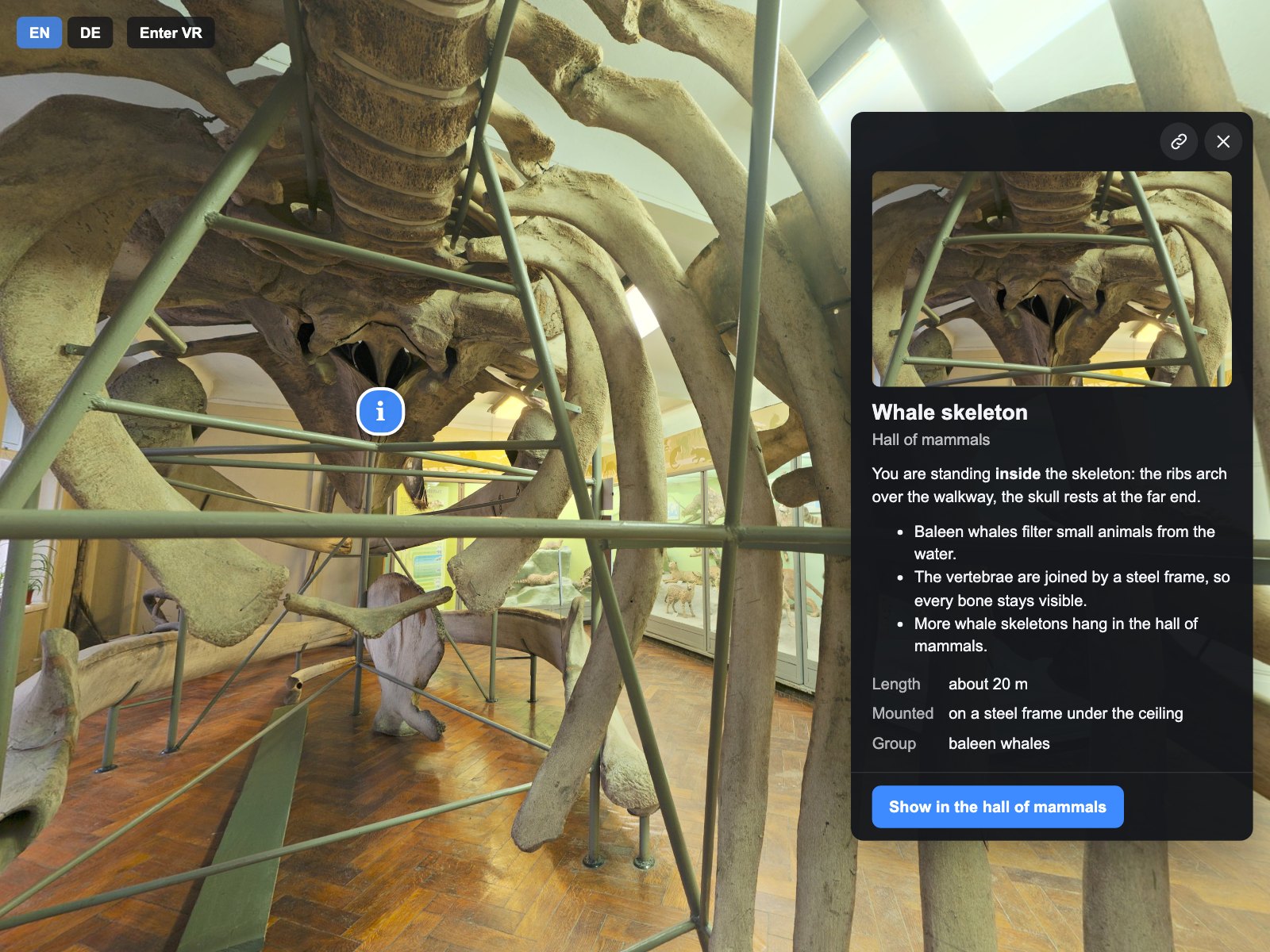
Information cards for your krpano tour: a side panel on desktops, a bottom sheet on phones and a welcome card, with photos, video, facts and buttons.
A lightbox for photos, MP4 videos and YouTube or Vimeo videos in your krpano tour, with zoom, swipe and a VR panel.
One scene menu for the whole tour: groups, a search across scenes and places, a mobile sheet and a VR panel.