



Read without leaving the tour
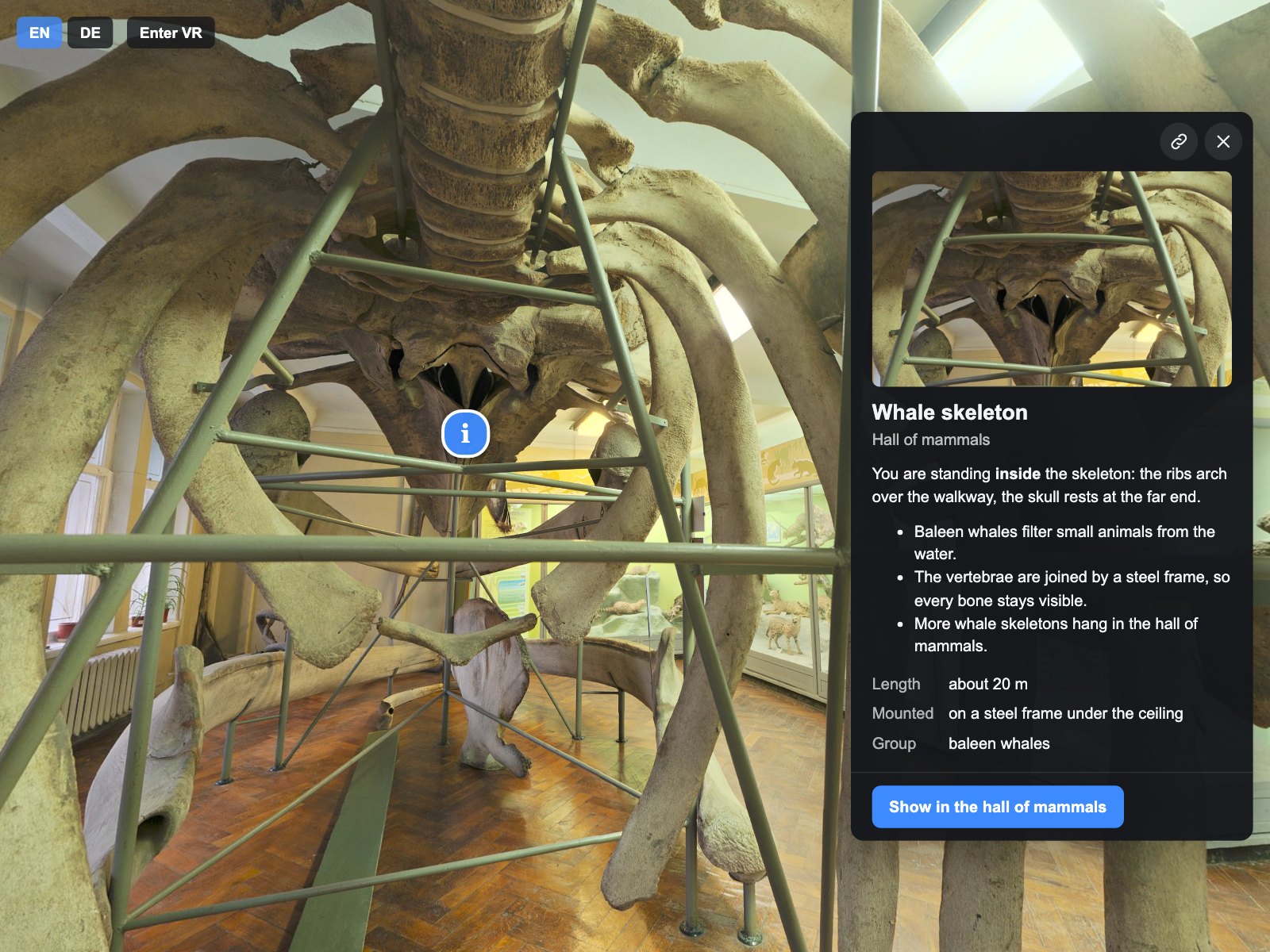
On wide screens the card opens beside the panorama, which stays usable; on phones it opens as a sheet that visitors drag up or away.
Preview — our store opens soon.
krpano Plugins
 krpano v1.0.0 New
Information cards for your krpano tour: a side panel on desktops, a bottom sheet on phones and a welcome card, with photos, video, facts and buttons.
Verified for krpano 1.23.2–1.24

Tours have to tell visitors something: what a room offers, what an exhibit is, when to visit and where to book. Info Cards shows that text in cards that open from any hotspot — beside the panorama on wide screens and as a sheet on phones, so visitors keep looking around while they read. You write each card once as a <data> element with title, formatted text, one photo or video, facts and up to three buttons, and every setting is an attribute of one XML element.
Put the encrypted plugin folder into your tour and add one plugin element to your tour XML.
Describe title, text, a photo or video, facts and buttons in <data> elements, with translations if you need them.
Give any hotspot the attribute z360_info_panels_card with the card id; choose layout, colours and texts with attributes and seven CSS variables.
On wide screens the card opens beside the panorama, which stays usable; on phones it opens as a sheet that visitors drag up or away.
You write a card once; Info Cards chooses the side panel, bottom sheet, drawer or centred window for the screen and keeps a playing video when the phone turns.
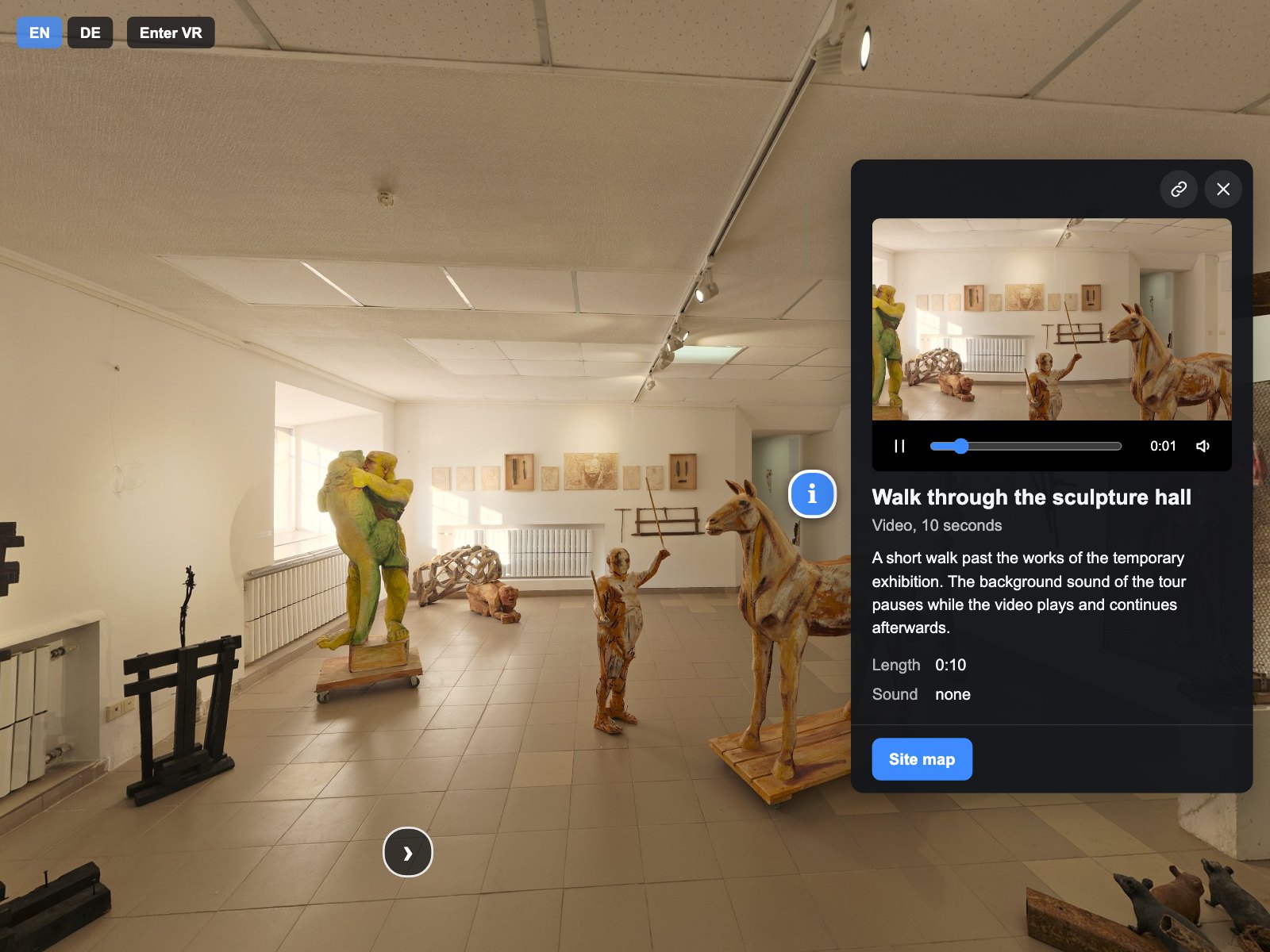
YouTube, Vimeo and embedded pages load only after the visitor's click and show your own poster before. This is a technical gate, not legal compliance: your duties as site operator stay yours.
Set as attributes in your tour XML.
| Setting | Type | Default | Description |
|---|---|---|---|
active | Yes / No | true | Turns Info Cards on or off; false closes the card and removes every part of the plugin from the tour. |
layout | List | auto | auto chooses the side panel, bottom sheet or drawer for the screen; modal always opens a centred window. |
slot | List | middle-right | Side of the screen for the side panel on wide screens. |
panel_width | Number | 380 | Width of the side panel in pixels (280–600). |
offset | Number | 16 | Distance of the side panel from the screen edge and from other z360 elements, in pixels (0–200). |
theme | List | dark | Dark or light colours of the cards. |
accent_color | Color | #3D8BFF | Colour of the main button, links, focus ring and video progress. |
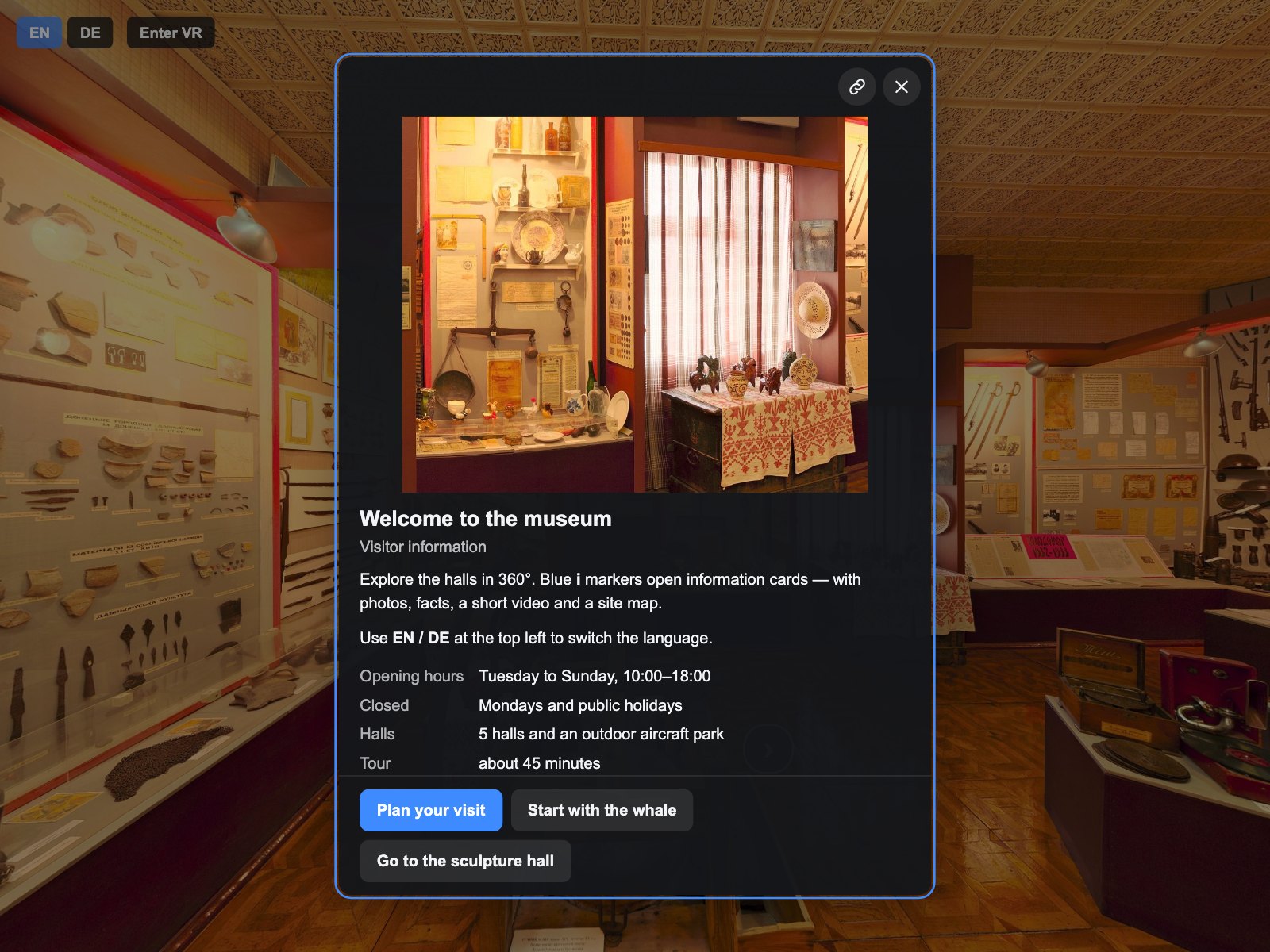
startup_card | Text | — | Id of a card that opens as a centred window when the tour starts; empty for none. |
startup_once | Yes / No | true | Shows the startup card only on the first visit in this browser. |
close_on_scene_change | Yes / No | true | Closes the open card when the tour changes the scene, except when the card's own button changed it. |
deeplink | List | read | read opens a card from a link such as tour.html?z360-info-panels=whale; off ignores such links. |
copy_link | Yes / No | false | Shows a Copy link button in the card header. |
pause_tour | Yes / No | true | Pauses tour sounds and tour videos while the card's video or embedded content plays and continues exactly those afterwards. |
vr | Yes / No | true | true shows the card as a panel in the scene while VR is active; false closes it in VR and opens it again after VR. |
debug | Yes / No | false | Prints the number of cards and bound hotspots and more details to the browser console. |
text_card | Text | Information | Name of a card without a title, read by screen readers. |
text_close | Text | Close | Label of the close button. |
text_copy_link | Text | Copy link | Label of the Copy link button. |
text_gallery | Text | Gallery | Label of the Gallery button; the number of items is added. |
text_load_content | Text | Load content | Button that loads a YouTube or Vimeo video or an embedded page. |
text_open_new_window | Text | Open in new window | Link under YouTube, Vimeo and embedded content. |
text_embed_failed | Text | This content could not be loaded here. | Message when an embedded page has not loaded after 8 seconds. |
text_play | Text | Play | Label of the video play button. |
text_mute | Text | Mute | Label of the video mute button. |
text_position | Text | Playback position | Label of the video position slider. |
text_vr_unavailable | Text | Available outside VR | Line on the VR panel for a video or an embedded page. |
<plugin name="z360_info_panels"
        url="plugins/z360_info_panels/z360_info_panels.js"
        keep="true"
        startup_card="welcome" />

<data name="z360_info_panels_card_whale" title="Whale skeleton" subtitle="Hall of mammals"
      image_url="media/whale.jpg" image_alt="Ribs and skull of a whale skeleton"
      facts="Length|about 20 m;Group|baleen whales"
      cta1_label="Show in the hall" cta1_url="scene:scene_hall_of_mammals"><![CDATA[
  <p>You are standing <b>inside</b> the skeleton.</p>
]]></data>

<scene name="scene_whale_skeleton" ...>
  <hotspot name="hs_whale" type="text" html="i" ath="-90" atv="-12"
           z360_info_panels_card="whale" />
</scene>
A magnifier lens for photos in krpano tours – with mouse, pen and touch.
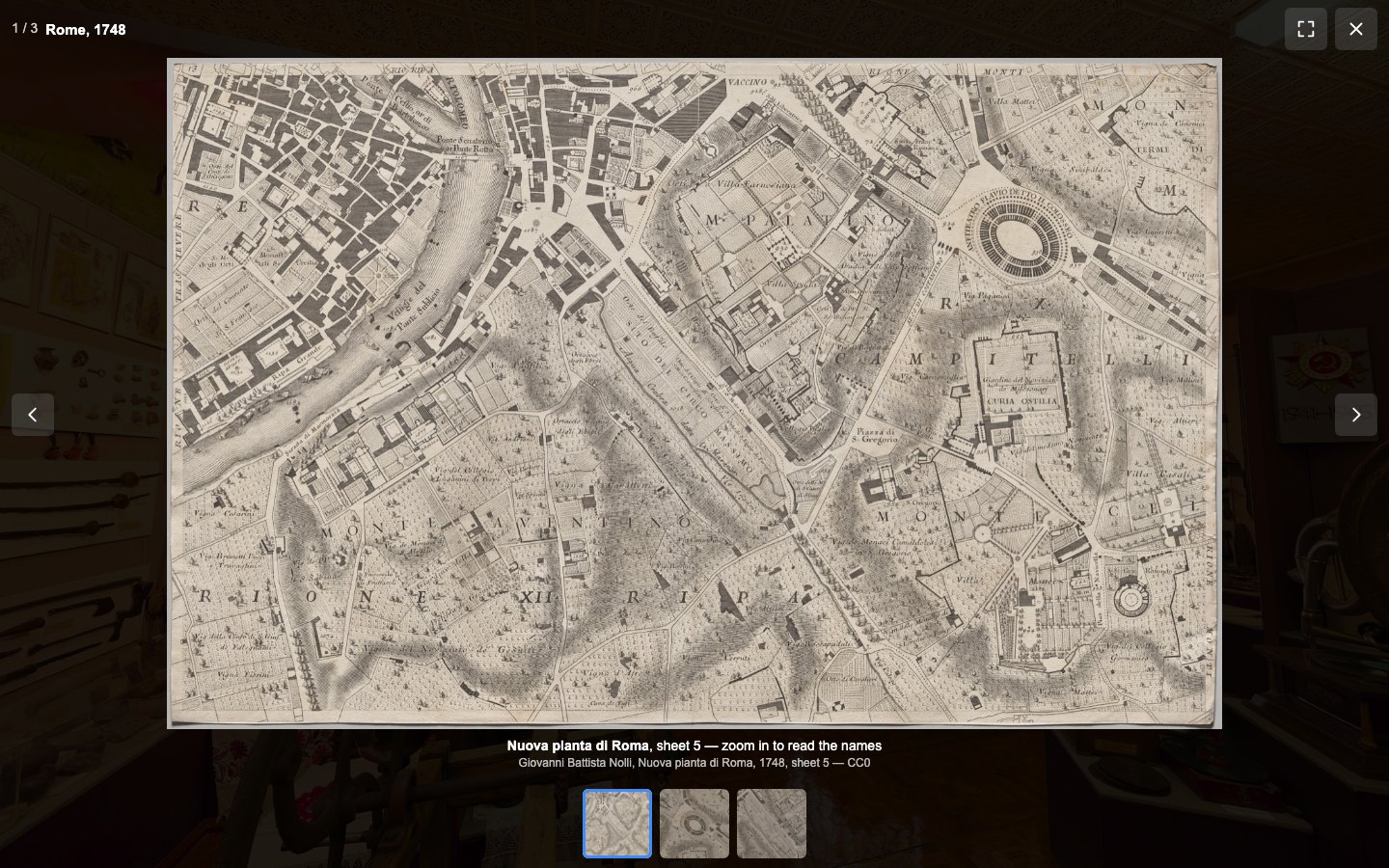
A lightbox for photos, MP4 videos and YouTube or Vimeo videos in your krpano tour, with zoom, swipe and a VR panel.
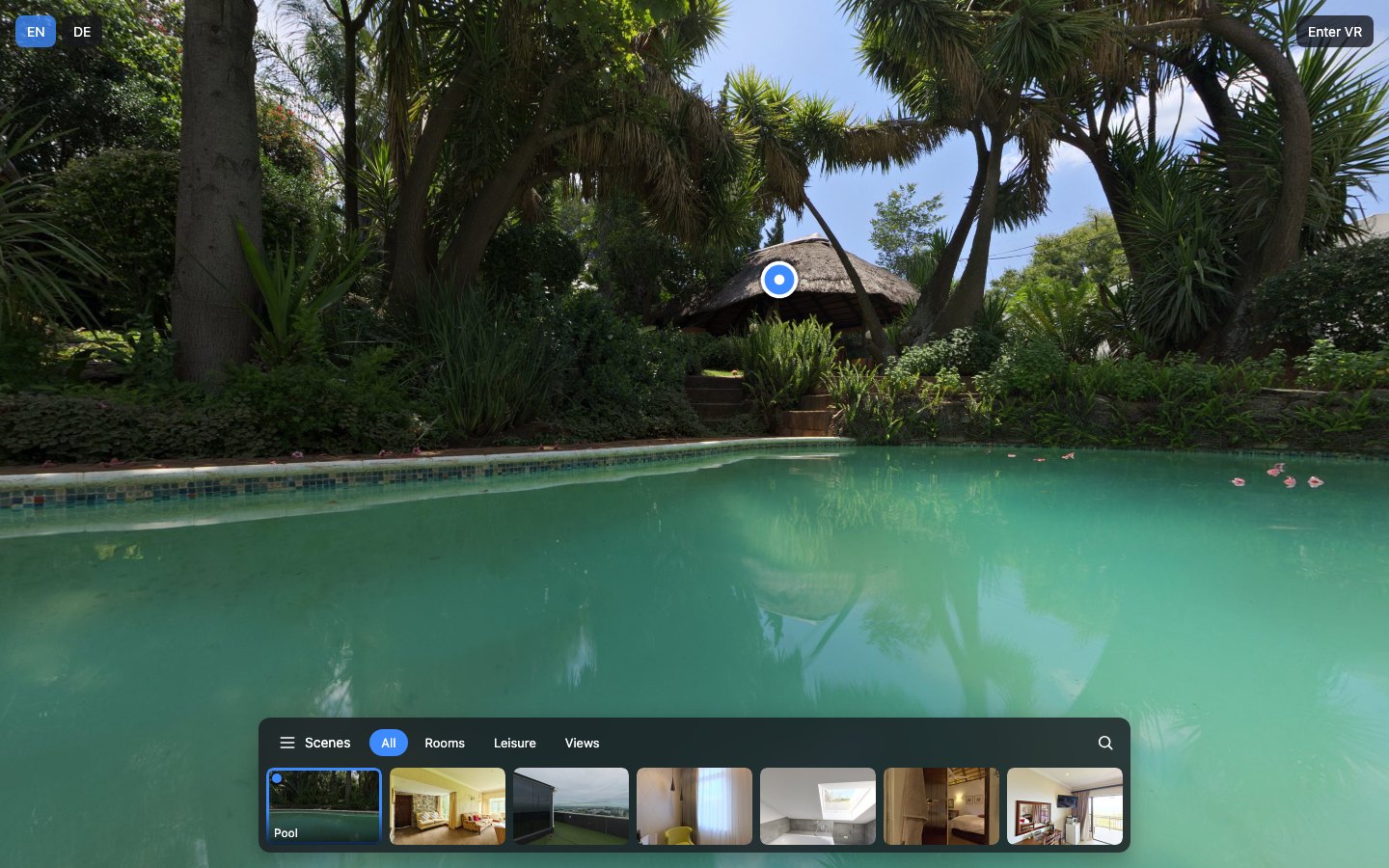
One scene menu for the whole tour: groups, a search across scenes and places, a mobile sheet and a VR panel.